
Quick facts
- Apple Business helps manage how your location appears in Apple Maps and other Apple services.
- Open Apple Maps and search for your business name exactly as customers know it.
- Use the official Apple Business website instead of following an outdated setup process.
- Your Apple Maps place card is what a customer may see after tapping your business in Maps.
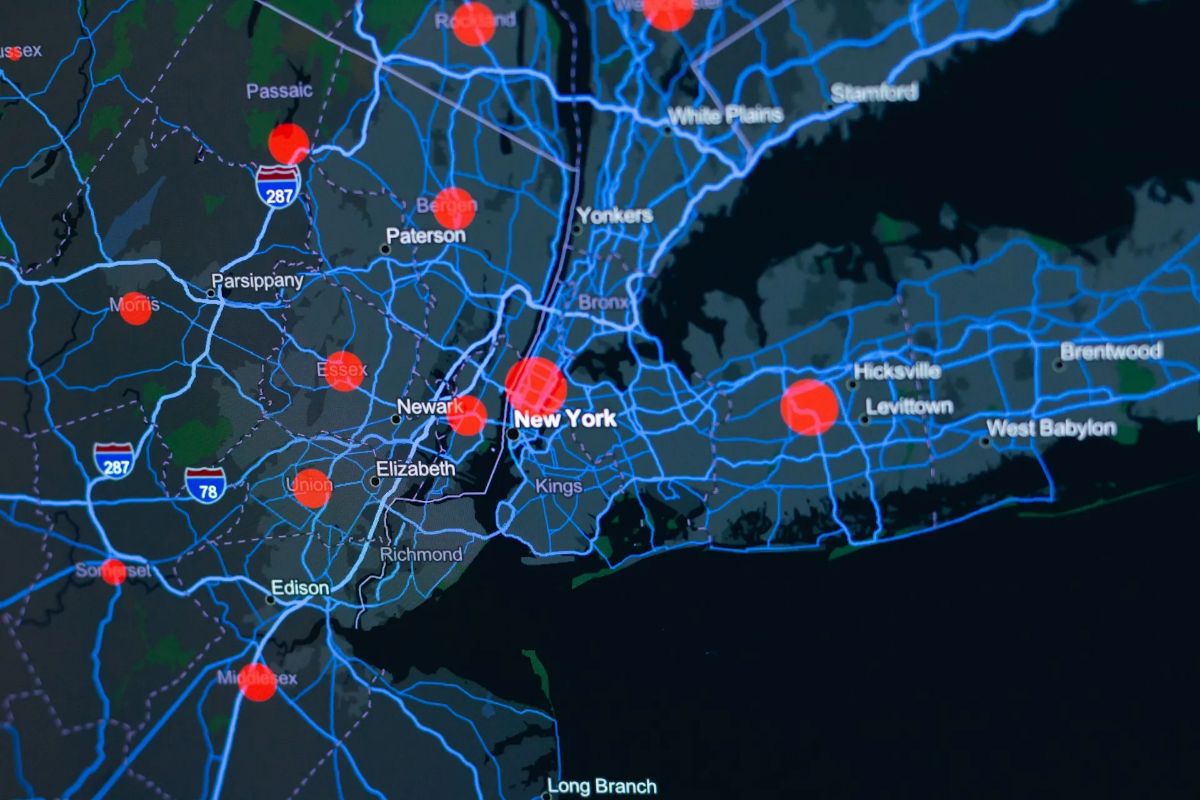
If you are asking how to get my business on Apple Maps, the first step is to claim or create your business location in Apple Business. This gives you a way to manage the information that can appear on your Apple Maps place card across Apple services, including Siri.
For a plumbing, HVAC, electrical, or roofing company, this matters because homeowners do not use only one search tool. Some open Google Maps. Some ask Siri for help. Some search in Apple Maps from an iPhone when they need a local contractor.
A Google Business Profile is important, but it does not replace an Apple Maps listing. Your business needs accurate information in both places. If your Apple Maps details are missing, old, or wrong, a homeowner may have trouble finding your company or calling your office.
This guide explains how to get your business on Apple Maps, what information to add, and how to keep the listing useful for homeowners who search through Apple devices.
Why Apple Maps Matters for Home Service Businesses
Apple Maps is used on iPhones, iPads, Macs, Apple Watches, and other Apple devices. When someone uses Apple Maps or asks Siri about a local business, Apple can show information from that business’s place card.
For a home service company, the important details are simple. A homeowner should be able to see your business name, phone number, website, service details, hours, and location information. If those details are inaccurate, the customer may call someone else.
Apple Maps and Google Maps Are Separate
Many business owners assume that updating Google automatically updates Apple Maps. That is not something you should rely on.
Google Business Profile helps manage how your company appears on Google Search and Google Maps. Apple Business helps manage how your location appears in Apple Maps and other Apple services. Both listings need attention.
A plumbing company may have accurate information on Google while an Apple Maps search shows an old phone number, a previous address, or no useful business details. An HVAC company may have its correct service information on its website but an incomplete Apple Maps place card. Those gaps make it harder for a homeowner to reach the right business.
Siri Uses Apple Location Information
Siri can use Apple Maps place card information when helping users find businesses and locations. Apple says place cards can appear across Maps, Siri, Calendar, Messages, and other Apple software.
That does not mean a completed listing guarantees that Siri will recommend your company for every search. No business can promise that. It does mean your company has a better foundation for showing accurate details when Apple users look for local services.
For a contractor, that is the goal. Make it easy for the homeowner to find the company, understand what it does, and call when they need help.
Check Whether Your Business Is Already on Apple Maps

Before you create anything, search for your business in Apple Maps. You may already have a place card, even if no one on your team created it directly.
Search your exact business name first. Then search your phone number and address if you have a physical office. Look carefully at the result.
You may find that the listing exists but has incomplete details. You may also find duplicate listings, an old location, or a listing with the wrong website. These issues should be fixed instead of creating another version of the same business.
Search Your Business Name and Phone Number
Open Apple Maps and search for your business name exactly as customers know it. Check the following details:
- Business name
- Address or office location
- Phone number
- Website address
- Regular hours
- Categories and services
- Photos
- Map pin placement
Then search the main phone number your business uses. If a listing appears with the number but has an incorrect name or location, make a note of it before you begin the claim process.
This quick check can save time. It also helps prevent duplicate listings, which may confuse homeowners trying to contact the company.
Check for Old or Duplicate Locations
A business may have old listings if it moved offices, changed its name, or used a different phone number in the past. A contractor may also have a listing for a former location that no longer serves customers.
Do not ignore old details. A homeowner may tap an outdated phone number or drive to the wrong location. If the company has more than one valid office, each location should be reviewed carefully so the information is correct for that office.
If you are unsure whether a listing belongs to your business, compare the business name, phone number, website, and address with your records. Only claim listings that represent your actual company.
Set Up Apple Business for Your Company

Apple Business is the current platform for managing business locations and place card details. Apple describes it as a free tool that businesses can use to manage how their information appears across Apple Maps, Siri, and other Apple services.
You may still see older articles online that refer to Apple Maps Connect. The current business management platform is Apple Business. Use the official Apple Business website instead of following an outdated setup process.
Create the Account With a Business Controlled Login
Use an Apple Account that your business controls. Do not make the company’s main Apple Business access dependent on a personal email account that only one employee can use.
The business owner or a trusted office manager should be able to access the account. Keep a record of the account email, recovery details, and who has permission to manage the location.
An agency can help manage a listing when needed, but the business should maintain access to its own important accounts. That includes Apple Business, the website, domain, Google Business Profile, analytics tools, and call tracking tools.
Add or Claim the Correct Location
In Apple Business, you can search for an existing location or add a new one. Apple’s current instructions show that users with location management permissions can go to Brands and Locations, then add or locate a business location.
Follow the instructions Apple provides during setup. You may need to confirm business details or complete a verification step. Requirements can vary based on the business and location.
When entering your information, use the same core business details you use on your website and other major listings. Your business name, phone number, website, and address should be accurate and consistent.
Fill Out the Apple Maps Place Card Carefully
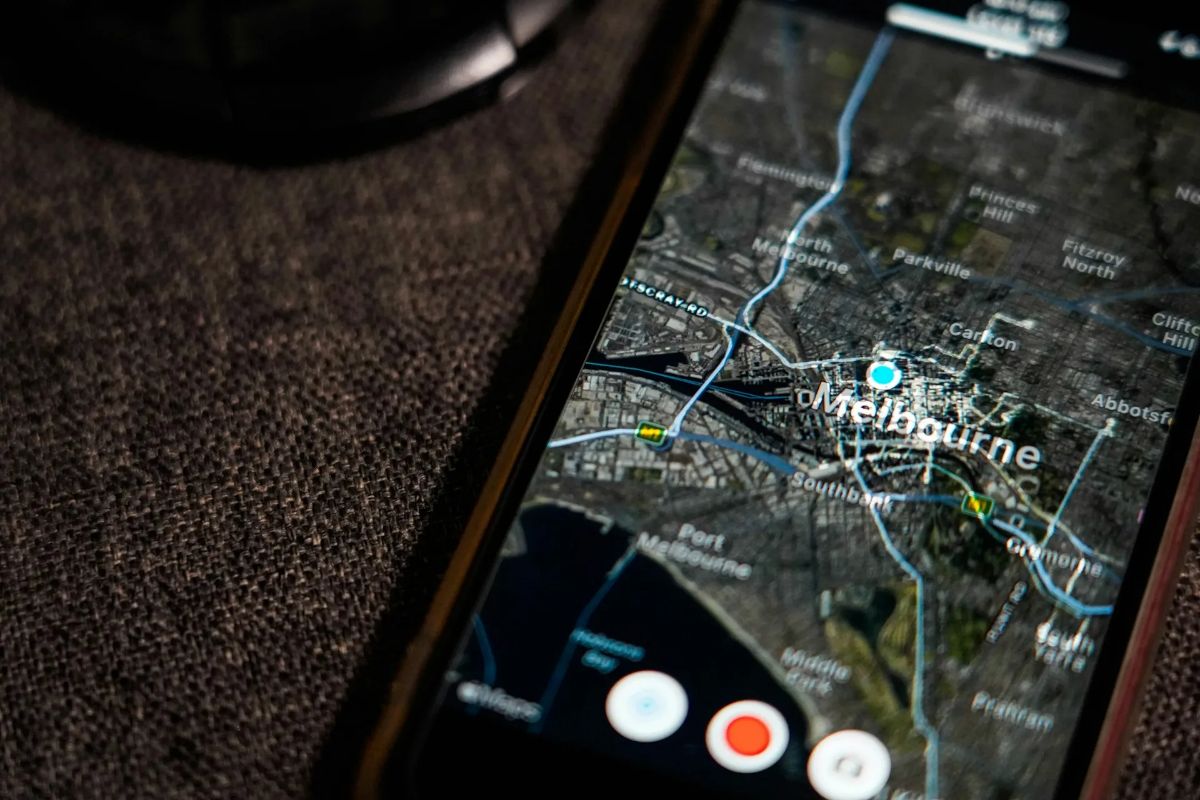
Your Apple Maps place card is what a customer may see after tapping your business in Maps. Treat it like a helpful business listing, not a place for broad marketing language.
The details should help a homeowner answer practical questions. Are you open? Do you handle the service they need? Can they call the office? Where are you located? Is the website correct?
Add the Right Business Information
Start with the basics. Your business name should match the name you use in the real world. Avoid adding extra keywords, service areas, or sales language to the business name.
Make sure the primary phone number reaches the office or the correct person. Check that the website link goes to the current business website, not an old domain, a social media page, or a generic directory listing.
For a contractor, the website should make it easy for the homeowner to find relevant service information. A person looking for drain cleaning should land on a useful drain cleaning page. Someone looking for AC repair should be able to find the air conditioning service page without searching through the entire site.
Choose Accurate Categories and Details
Use categories that describe your actual business. A plumbing company should not add electrical or roofing categories unless it truly provides those services. A business that offers both plumbing and HVAC should make sure the listing and website clearly explain both sides of the company.
Accuracy matters more than trying to cover every possible search. If the listing says your company handles a service that it does not offer, a homeowner may call with the wrong problem. That wastes their time and your office’s time.
Your hours should also be correct. If your office is closed on a holiday or has different seasonal hours, update the listing when needed. Apple allows businesses to manage place card information, including photos, hours, and other details.
Add Useful Photos
Photos can help homeowners recognize a real local business. Use photos that accurately show the company, such as the office exterior, company vehicles, team members, or work that you have permission to share.
Do not use images that misrepresent the business. Avoid uploading photos that belong to another company or making service claims through images that cannot be supported.
A clear logo and a few relevant photos can make the place card easier to recognize. Apple notes that businesses can add logos and photos to their place cards through Apple Business.
Help Homeowners Find the Right Service

An Apple Maps listing is only one part of your online presence. After a homeowner taps your website link or calls your business, the rest of the experience needs to be clear.
Your website should explain your services in the same plain language that homeowners use. A person dealing with no hot water should be able to find water heater help. A person with a backed up drain should be able to find drain cleaning information.
Keep Your Website and Listing Aligned
Review your website and Apple Maps place card together. Check that they use the same business name, phone number, hours, and website address.
If your company has a physical location, make sure the location details are accurate. If you serve customers at their homes or businesses, make sure your website clearly explains the areas you serve. Do not add city or state names just to force them into a title or description. Use only accurate service area information where it makes sense.
A homeowner should not see one phone number in Apple Maps and another on your website. They should not find a service listed on the place card that does not appear anywhere on the site.
Build Helpful Service Pages
Your service pages should answer the questions a homeowner has before they call. They should explain the service, common signs the customer may need help, what the business can assess, and how to request service.
For example, a plumbing service page can explain that the company handles issues such as leaks, slow drains, running toilets, water heater problems, or other services it truly offers. The page should include a clear phone number and an easy contact option.
Do not turn every service page into the same general company page. A water heater page should stay focused on water heater concerns. A drain cleaning page should stay focused on drain problems. Clear pages are easier for homeowners to use and easier for search systems to understand.
Keep Apple Maps Information Up to Date

Creating a place card is not the final step. Business details change. Phone numbers change, hours change, websites are updated, and companies move locations.
Set a regular time to review the information. You do not need to make changes every week if nothing has changed, but you should not wait until a customer reports a problem.
Review Your Listing After Business Changes
Update the place card when your business:
- Moves to a new location
- Changes its main phone number
- Updates its website
- Changes its regular or holiday hours
- Adds or removes a service
- Changes its business name
- Opens an additional location
A small mistake can create a big problem for someone who needs urgent help. If a homeowner cannot reach your office because the phone number is old, they may call the next contractor in the search results.
Keep Track of Who Has Access
Make a simple record of who can access Apple Business and other important business accounts. This is especially important when employees leave, an agency relationship changes, or the company grows.
The business owner should know where each account is managed. A trusted office manager should also know how to find the information if needed.
Clear ownership protects the company’s online presence. It also makes it easier to correct errors quickly instead of starting from scratch when a login cannot be found.
Common Apple Maps Mistakes to Avoid
The biggest Apple Maps mistakes are usually simple. The listing is missing, inaccurate, duplicated, or unmanaged.
Do not assume your Google Business Profile is enough. Do not create a duplicate location without first checking whether a place card already exists. Do not leave the website, phone number, or hours unreviewed for long periods.
Another common mistake is treating the listing as separate from the rest of the business. Your Apple Maps information, website, Google profile, social profiles, and major listings should all reflect the same real business details.
This does not require complicated marketing language. It requires clean information and a website that makes it easy for a homeowner to take the next step.
Make It Easier for Apple Users to Reach Your Business
Getting your business on Apple Maps is a practical step for any home service company that wants its information to be accurate wherever homeowners search. Claim or add the location, fill out the place card carefully, keep the details current, and make sure your website gives visitors a clear way to call.
SwarmSystem helps home service businesses build stronger online visibility around the places homeowners use to find local help. Visit https://swarmsystem.ai/ to learn more.
Frequently asked questions
How Do I Get My Business on Apple Maps?
Start by searching for your business in Apple Maps. If a place card already exists, claim and update it through Apple Business. If it does not exist, use Apple Business to add your company location and complete any verification steps Apple requires.
Is Apple Maps the Same as Google Business Profile?
No. Google Business Profile manages your business information on Google Search and Google Maps. Apple Business helps manage how your business appears in Apple Maps and other Apple services, including Siri.
Does Getting on Apple Maps Guarantee That Siri Will Recommend My Business?
No. A complete and accurate place card does not guarantee a Siri result or placement. It gives Apple accurate business information to use across its services when relevant.
What Should I Add to My Apple Maps Listing?
Add accurate business information, including the correct business name, phone number, website, hours, location details, categories, and relevant photos. Only include services and details your business can support.

About the author
Justin Day, founder of SwarmSystem
Justin Day has spent ten years getting local businesses found, and his work has generated over $100 million for clients.
Corrections: If something here is wrong, book a call and tell us. We fix it and change the date.