When a pipe starts leaking or a water heater stops working, homeowners often turn to Google to find a plumber. They look at nearby companies, check reviews, and find a phone number they can call. If your business information is missing or incorrect, those potential customers may call someone else.
A Google Business Profile for plumbers helps homeowners find your company, see what services you offer, and contact you for plumbing work. But simply having a profile is not enough. Your phone number, hours, service areas, and business details need to be accurate.
The good news is that many profile issues are easy to spot. This guide explains what to check, what to update, and how to tell whether your Google profile is helping bring in calls and booked jobs.
How to Improve a Google Business Profile for Plumbers
Your Google Business Profile is often one of the first things homeowners see when searching for plumbing services. It can show your phone number, hours, reviews, photos, and the areas you serve.
Start with the basic information before worrying about posts or adding more photos. If someone cannot reach your business, the rest of the profile will not help much.
Make Sure You Control Your Business Profile
Your plumbing company should have access to its own Google Business Profile. If an employee or marketing company created the listing, make sure you can sign in and manage it.
If the profile has not been verified, follow Google's verification steps. Keep the account information current so you can change your hours, update services, and respond to reviews when needed.
Check Your Business Name, Phone Number, and Hours
Your business name should match the name customers know. Do not add extra plumbing services or city names just to appear in more searches. Google expects your profile to reflect your real business.
Make sure the phone number works and connects customers with someone who can help them. Add your website if you have one, and check that the link opens the correct page.
Your hours also matter. If your business closes in the evening, show the correct closing time. If you offer emergency plumbing, make sure your listed availability matches the hours when customers can actually reach your team.
Set Your Address and Service Areas Correctly
Many plumbing companies travel to customers rather than serving them at a shop. Google allows eligible businesses to list the areas they serve without displaying an address where customers cannot visit.
If homeowners do not come to your location, follow Google's rules for hiding your address. Then add the towns and areas where your team regularly takes plumbing jobs.
Avoid adding distant service areas just to appear in more searches. Your profile should reflect where your company actually works, not every location you would like to reach.
Choose the Right Categories and Plumbing Services
Google needs to understand what your business does before it can show your profile for relevant searches. Your categories and services help describe the plumbing work you offer.
The goal is not to add as many categories as possible. It is to make sure homeowners can tell whether your company handles the job they need.
Choose Plumber as Your Primary Category
For most companies that mainly provide plumbing services, Plumber is the right primary category.
You can add other categories when they accurately describe another part of your business and Google offers those options. However, you should not select unrelated categories just because they seem popular.
Your primary category should describe your main business. Individual jobs, such as drain cleaning or water heater repair, belong in your service details.
Add the Plumbing Services You Actually Provide
Think about the calls your company wants to receive. If your technicians repair water heaters, unclog drains, fix leaking pipes, and install plumbing fixtures, those services should be listed on your profile.
Use clear service names that homeowners understand. For example, "water heater repair" tells customers more than a broad term like "plumbing solutions."
Only add work your team can perform. If you do not provide sewer line replacement or emergency service, do not list those services to attract more searches. The goal is to get calls for jobs your company can actually book.
Help Homeowners Decide to Call Your Plumbing Company
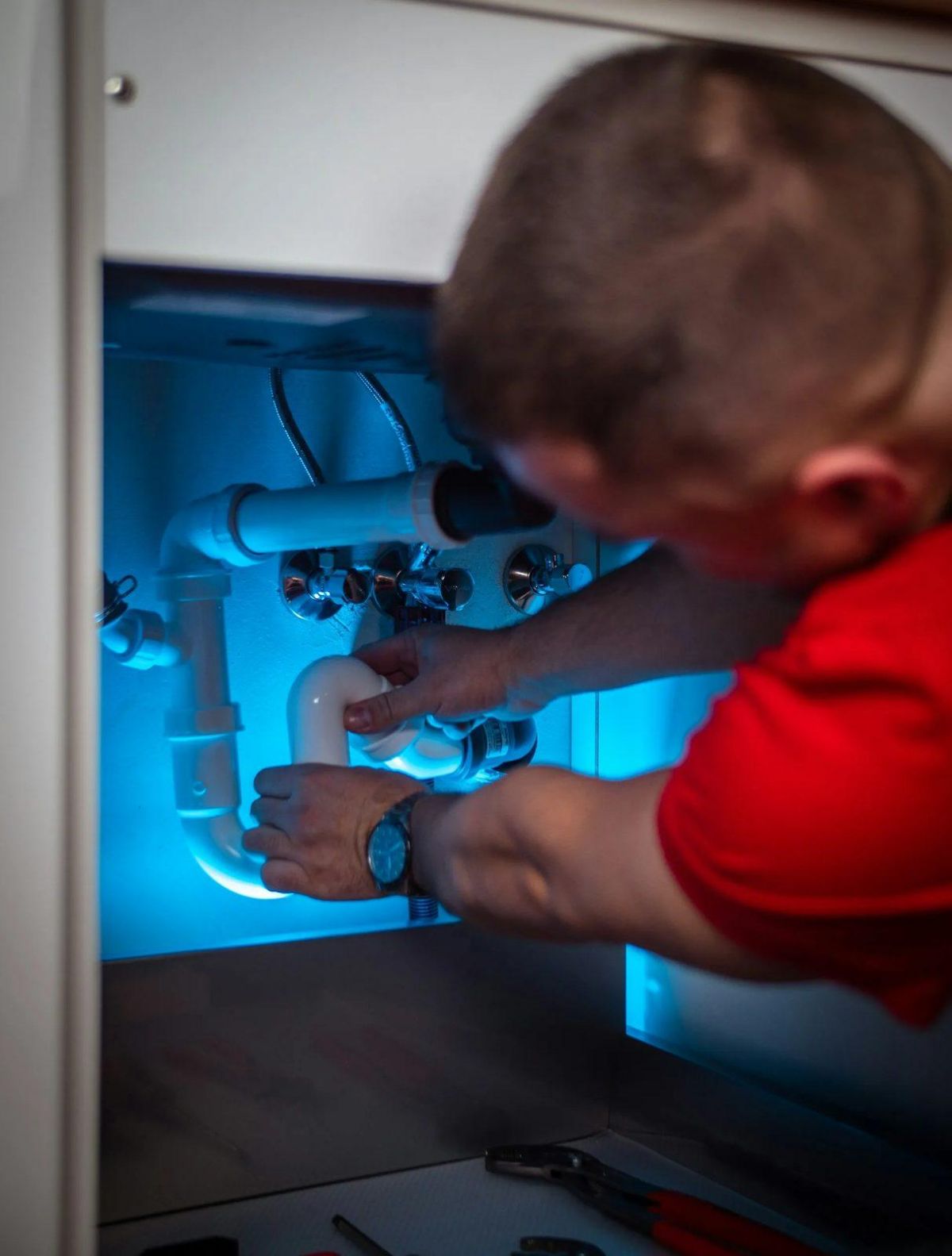
A homeowner may find several plumbing companies in the same Google search. Your profile should help them understand what your company does and how to reach you.
Photos, business updates, and a clear website link can help answer basic questions before someone calls.
Add Photos of Your Team and Plumbing Work
Real photos help homeowners see the people and equipment behind your business. They can also show the types of plumbing work your team handles.
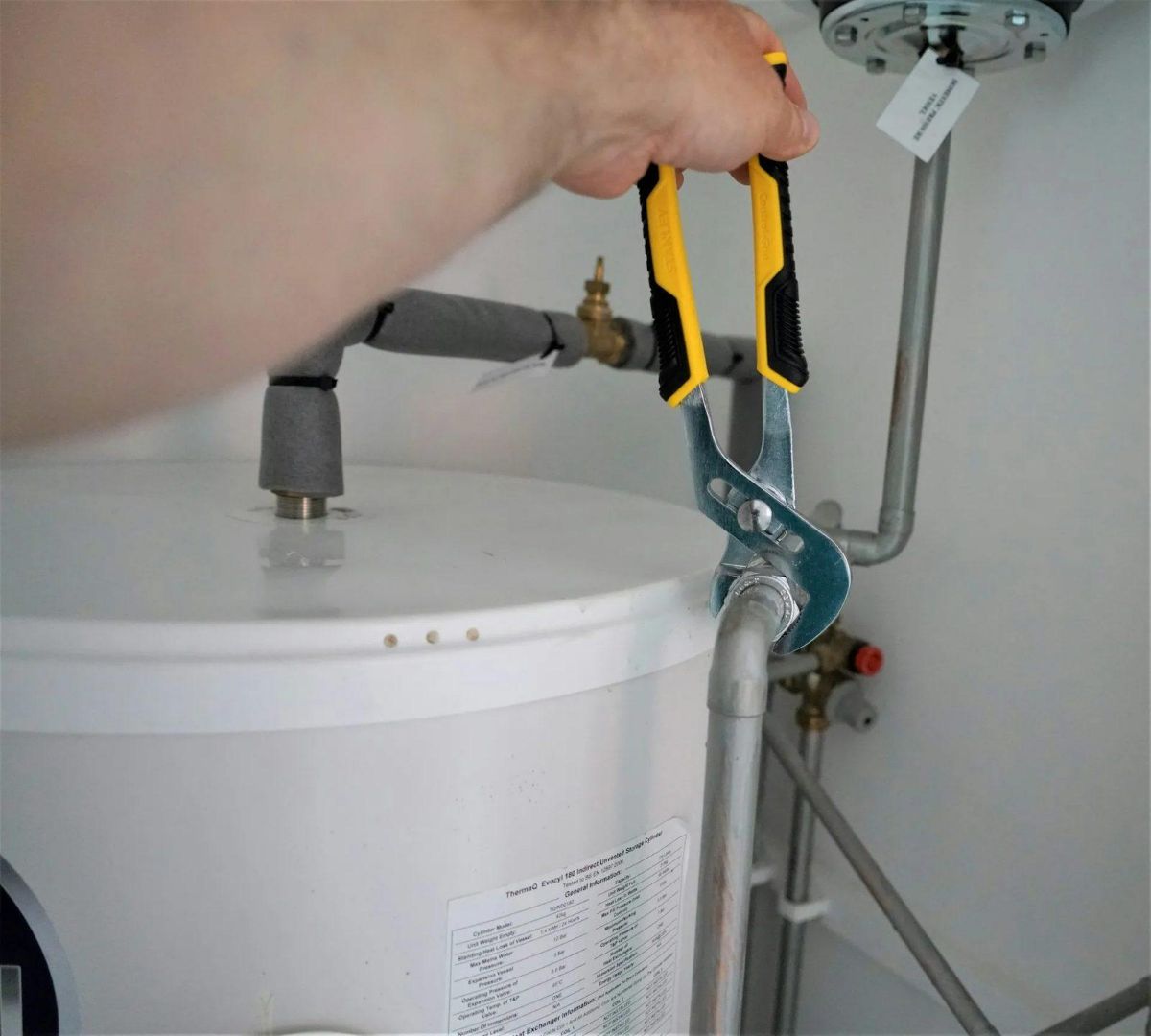
Useful photos include technicians at work, branded service vehicles, plumbing equipment, and completed installations. If your company installs water heaters, photos of actual installations can help customers understand that service.
Use images from your own business rather than unrelated stock photos. Always get permission before sharing photos taken inside a customer's home, and make sure no private details are visible.
Share Useful Updates Through Google Posts
Google Business Profile lets eligible businesses publish updates. You can use them to share changes to your services, seasonal plumbing advice, or important business announcements.
For example, a post could explain when homeowners should call about a leaking water heater. Another could remind customers to check exposed pipes before freezing weather.
You do not need to post every day. Focus on sharing useful information when you have something worth telling customers. Posting more often does not, by itself, mean your company will rank higher in Google Maps.
Make It Easy for Customers to Contact You
Finding your profile is only the first step. A homeowner still needs a simple way to contact your company and request service.
Check that your phone number is correct and that your website works on a mobile phone. If someone visits your website from Google Maps, they should quickly find your plumbing services, contact information, and a clear way to request an appointment.
Make sure the service information on your website matches what appears on your Google profile. This helps homeowners confirm that they have found the right plumbing company before they call.
Get More Honest Google Reviews From Plumbing Customers
Reviews can help homeowners decide which plumbing company to contact. They can also give customers an idea of what working with your business may be like.
Google considers review count and positive ratings as part of local search prominence. Still, the best approach is to earn real feedback from the people your company serves.
Ask Customers to Share Their Experience
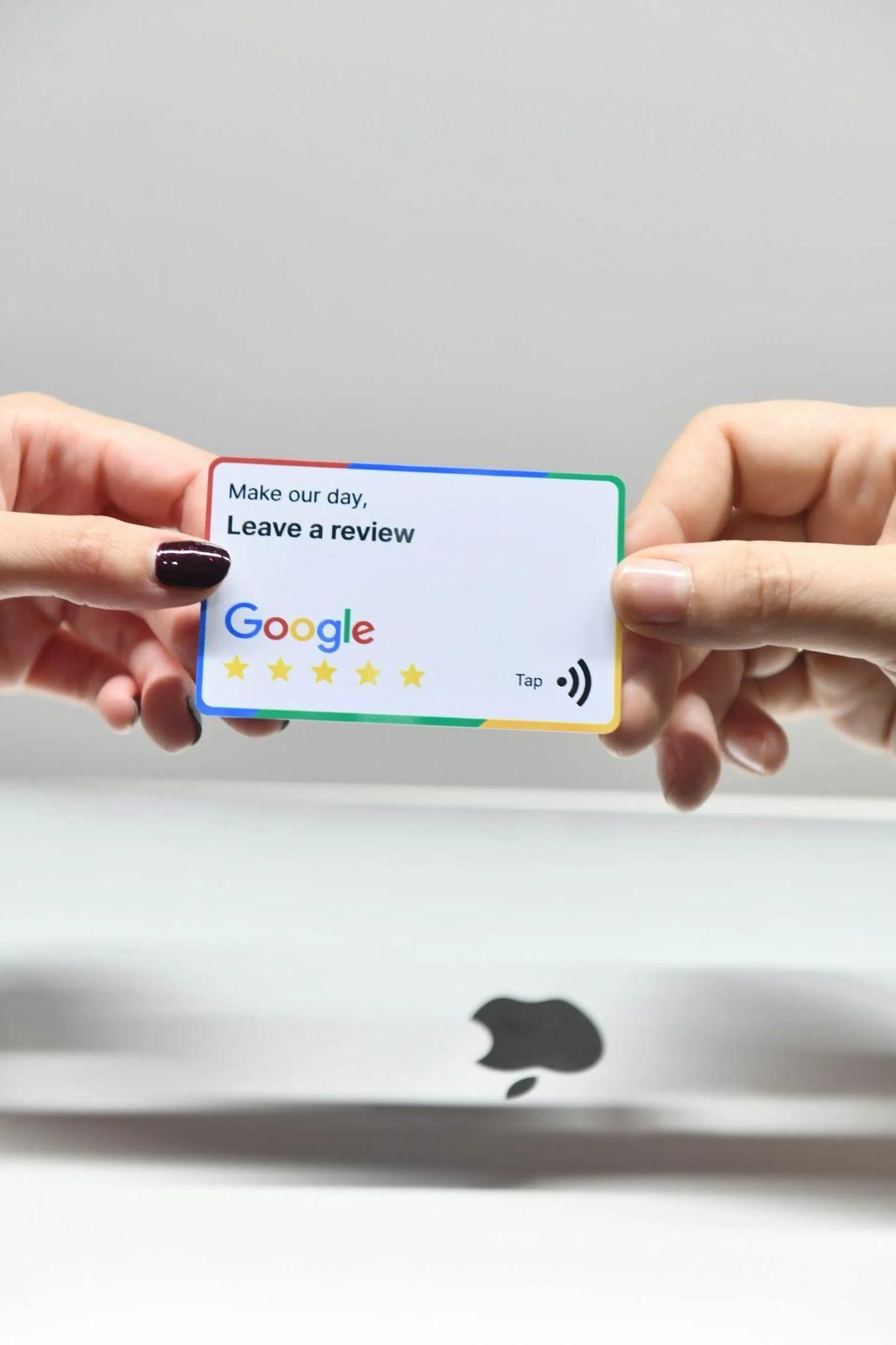
After completing a plumbing job, invite the customer to leave an honest Google review. You can share your review link through a follow-up message or another normal part of your customer service process.
Keep the request simple and neutral. Do not offer rewards for reviews or ask only happy customers to leave feedback.
A steady process for requesting genuine reviews helps customers share their experiences without pressure. It also gives future homeowners more information about your company.
Respond to Customer Reviews
Take time to read new reviews and reply when appropriate. Thank customers for sharing positive experiences, and address concerns professionally when someone leaves a negative review.
Avoid arguing with customers in public or sharing details about their plumbing work without permission. A calm response shows future customers that your company pays attention to feedback.
Reviews can also help you identify problems in your business. If several customers mention missed calls or scheduling issues, that feedback may point to something worth fixing.
Track Calls and Booked Jobs From Google
A Google Business Profile is useful when it helps homeowners contact your company. But views and clicks alone do not tell you how much plumbing work you are getting.
To understand whether your profile is helping your business, pay attention to calls, appointments, and completed jobs.
Check Your Google Business Profile Performance
Google provides performance information for eligible business profiles. Depending on the data available, you may see how many people viewed your profile, clicked through to your website, or used the call button.
These numbers can show how customers interact with your listing. However, a tap on the call button does not mean your team answered the call or booked a job.
Use these reports as a starting point rather than treating every interaction as a new customer.
Keep Track of Which Calls Become Jobs
When someone calls your plumbing company, record what service they need and how they found your business. You can ask new callers whether they found you through Google Search, Google Maps, a referral, or another source.
Then track whether the person booked an appointment and whether the plumbing job was completed.
For example, ten people might use the call button on your Google profile, but that does not tell you how many actually spoke with your office. Your own call and job records can help fill that gap.
The key question is not simply how many people saw your profile. It is how many calls turned into real plumbing work.
Google Business Profile Checklist for Plumbers
Once your profile is set up, review it regularly to make sure the information still matches your business.
Use this checklist to spot common problems:
- Business information: Confirm your company name, phone number, website, and hours are correct.
- Categories and services: Make sure your profile reflects the plumbing jobs your team actually handles.
- Service areas: Check that the listed locations match where your company accepts work.
- Photos: Add authentic photos and remove images that no longer represent your business.
- Reviews: Ask customers for honest feedback and respond to reviews when appropriate.
- Customer inquiries: Check that people can call your business or request service without unnecessary steps.
- Booked jobs: Compare Google profile activity with your actual calls, appointments, and completed work.
You do not need to change everything at once. Start by fixing anything that could stop a homeowner from reaching your business, then work through the remaining items.
Get More Plumbing Calls With SwarmSystem
Google Business Profile optimization for plumbers starts with the basics. Your business information should be correct, your services should be clear, and homeowners should have an easy way to reach you.
Keeping your profile accurate can help customers find the right information when they need plumbing work. Tracking the calls and jobs that follow helps you understand whether your online presence is supporting your business.
SwarmSystem helps plumbing companies improve their local search presence and connect that work to calls and booked jobs. From Google Business Profile updates to local SEO and website improvements, the focus is on helping homeowners find and contact your business.
Talk with SwarmSystem about improving your Google Business Profile and finding out whether your online visibility is helping bring in plumbing work.
Frequently asked questions
What is the best Google Business Profile category for plumbers?
Plumber is generally the best primary category for a company that mainly provides plumbing services. You can add other relevant categories if they match your business, but individual plumbing jobs should be listed under your services.
Can a plumbing company have a Google Business Profile without a storefront?
Yes. Plumbing companies that travel to customers may qualify as service area businesses. If customers do not visit your location, follow Google's rules for hiding your address and showing the areas your team serves.
How often should plumbers update their Google Business Profile?
Update your profile whenever your phone number, hours, service areas, or available plumbing services change. It is also worth reviewing photos and customer reviews regularly so homeowners see accurate information.
Do Google reviews help plumbing companies appear in local searches?
Google uses review count and positive ratings as signals when evaluating local prominence. Reviews are only part of how Google decides which businesses to show, so focus on getting genuine feedback rather than trying to collect ratings through incentives.
Will adding more service areas help a plumber rank in more locations?
Adding more areas does not automatically make your company appear in every nearby search. Google considers several factors, including how relevant and close a business is to the person searching. List the places where your company actually provides service.
How can plumbers tell if their Google Business Profile is bringing in jobs?
Start by checking profile activity, including calls and website visits. Then compare those numbers with your own records of customer inquiries, booked appointments, and completed jobs. This gives you a better idea of whether people finding your company on Google are becoming paying customers.

About the author
Justin Day, founder of SwarmSystem
Justin Day has spent ten years getting local businesses found, and his work has generated over $100 million for clients.
Corrections: If something here is wrong, book a call and tell us. We fix it and change the date.